Quick answer
ESD Workstation Setup Checklist for Electronics Manufacturing is important because a practical checklist for planning ESD workstations for electronics manufacturing, PCB assembly, repair, test and R&D environments. The practical goal is to improve safety, productivity, and buying confidence before selecting equipment or requesting a quotation.
Practical next steps
- Confirm the load, workspace, workflow, and safety requirements.
- Compare the product fit against daily operating conditions, not just catalogue specifications.
- Speak with YK Toh for sizing, compatibility, and quotation guidance.
ESD Workstation Setup Checklist
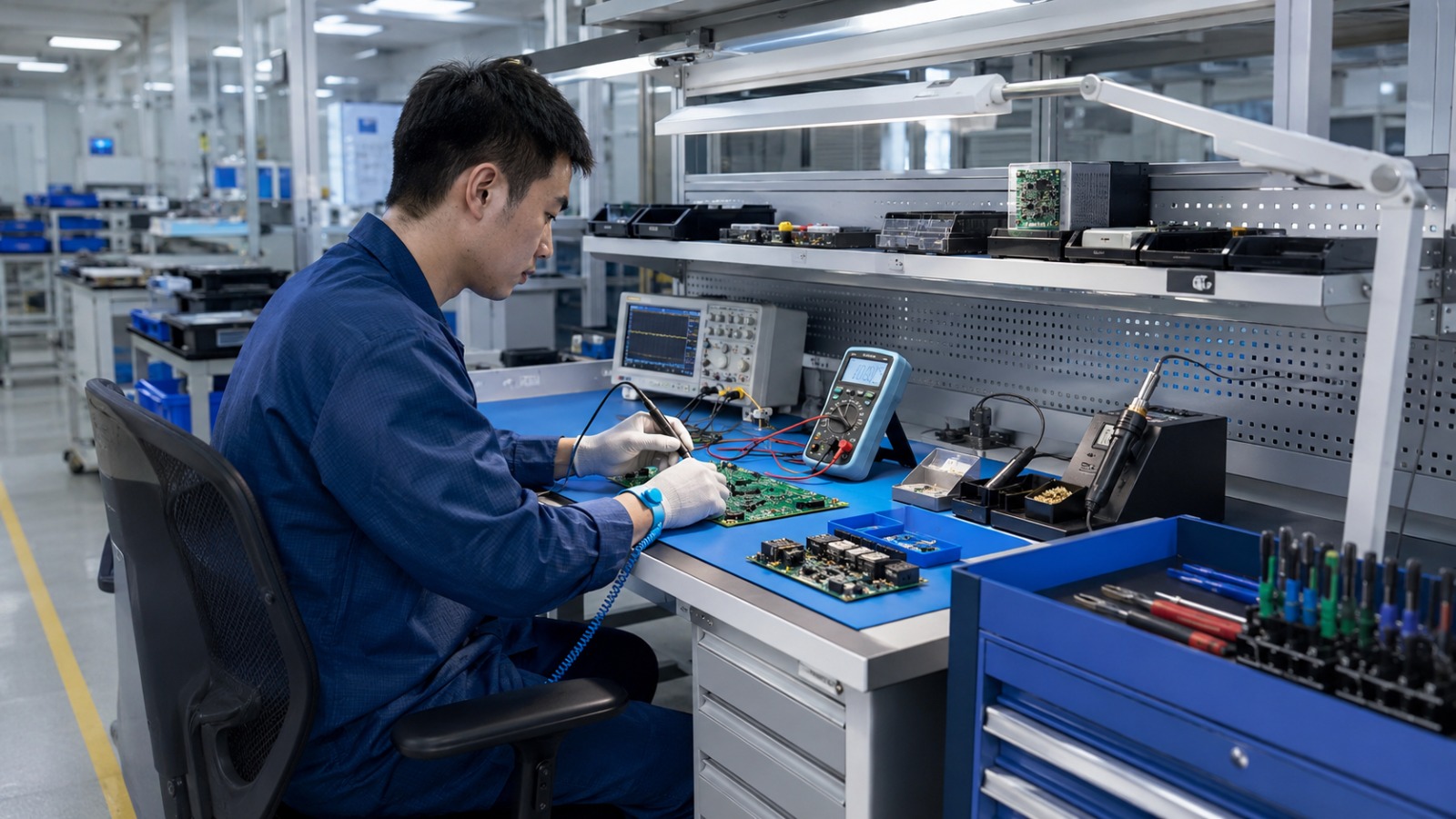
Planning an ESD workstation for electronics manufacturing is not just about choosing a bench. A reliable setup should consider the work surface, grounding approach, operator movement, storage, tools, lighting, trolleys and your internal ESD control requirements.
This checklist is designed for electronics manufacturing, PCB assembly, SMT rework, electronics repair, calibration, testing and R&D lab environments.
1. Start with the application
The right workstation depends on the work being done. Before selecting a bench, confirm:
- Is the station for PCB assembly, rework, soldering, test, repair, calibration or R&D?
- What components, boards or devices are handled?
- What tools and instruments must sit on the bench?
- Is the station standalone or part of a production line?
- Is the area already part of an ESD Protected Area?
2. Confirm the work surface requirement
The work surface should support static-sensitive workflows when configured correctly. Depending on your internal requirements, this may involve an ESD work surface, an ESD mat, grounding accessories or a combination of products.
Important: match the work surface to your internal ESD control requirements. Do not assume every surface is suitable for every ESD application.
3. Plan grounding and connection points
Grounding should be planned before the workstation is installed. Consider how the bench, mat, operator grounding and accessories will connect to the required ground point.
- Where will grounding points be located?
- Will operators use wrist straps or other personnel grounding methods?
- Does your team have a verification procedure?
- Are there internal standards for grounding documentation?
4. Include seating and operator movement
Operators may spend long periods assembling, testing, inspecting or repairing electronic components. The setup should consider seating, working height, reach zones and movement around the bench.
If the workstation is used in an ESD-sensitive area, seating and operator movement should also match the internal ESD control plan.
5. Do not forget storage, drawers and trolleys
ESD-sensitive handling does not stop at the tabletop. Components, tools, fixtures and work-in-progress often move between storage, production, inspection, testing and repair areas.
Plan whether the workstation needs:
- Drawer units
- Component bins
- Tool panels
- Mobile trolleys or carts
- Under-bench storage
- Shelving or line-side storage
6. Plan lighting, tools and instruments
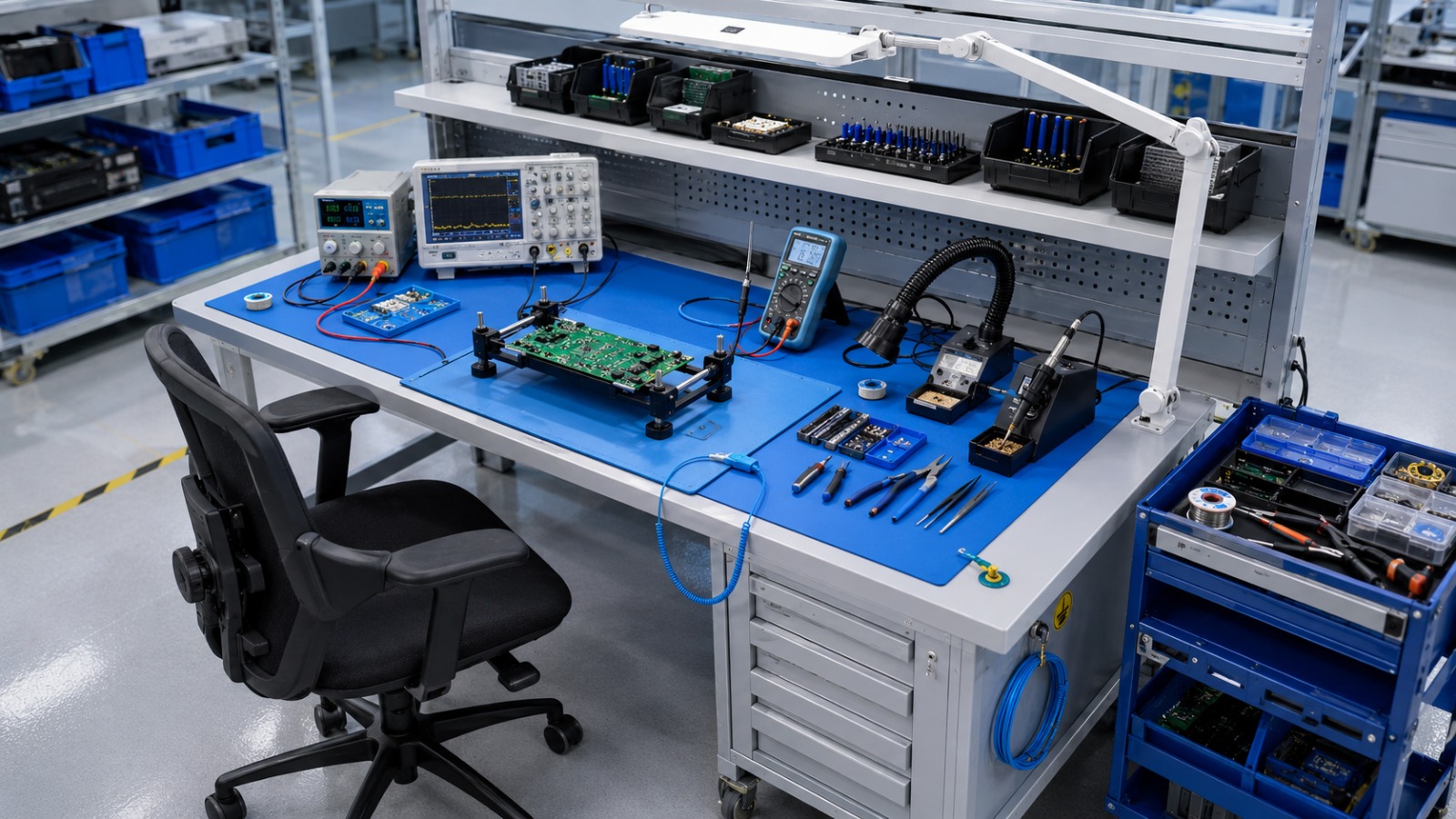
PCB inspection, soldering, rework and testing often require task lighting, microscopes, soldering tools, monitors, power supplies, test instruments and cable management.
Plan the workstation around the actual workflow, not only the bench size. A poor layout can create clutter, slow operators down and increase unnecessary handling.
7. Treat ESD control as a complete system
A workbench is only one part of an ESD control setup. A complete ESD control approach may include procedures, personnel grounding, flooring or mats, storage methods, verification, training and documentation.
Y K Toh can help configure workstation furniture and accessories to support ESD-sensitive workflows, but your internal ESD requirements should guide the final setup.
Quick checklist before buying
- Application confirmed: assembly, rework, test, repair or R&D
- Bench size and layout confirmed
- ESD surface or mat requirement checked
- Grounding points planned
- Storage and trolley needs included
- Seating requirement checked
- Lighting and instrument layout planned
- Internal ESD requirements confirmed
- Verification and documentation responsibility assigned
Need help planning an ESD workstation?
Send us your application, bench quantity, equipment list, layout requirement and any internal ESD requirements. We can recommend a practical workstation configuration for electronics production, PCB assembly, test, repair or R&D environments.